
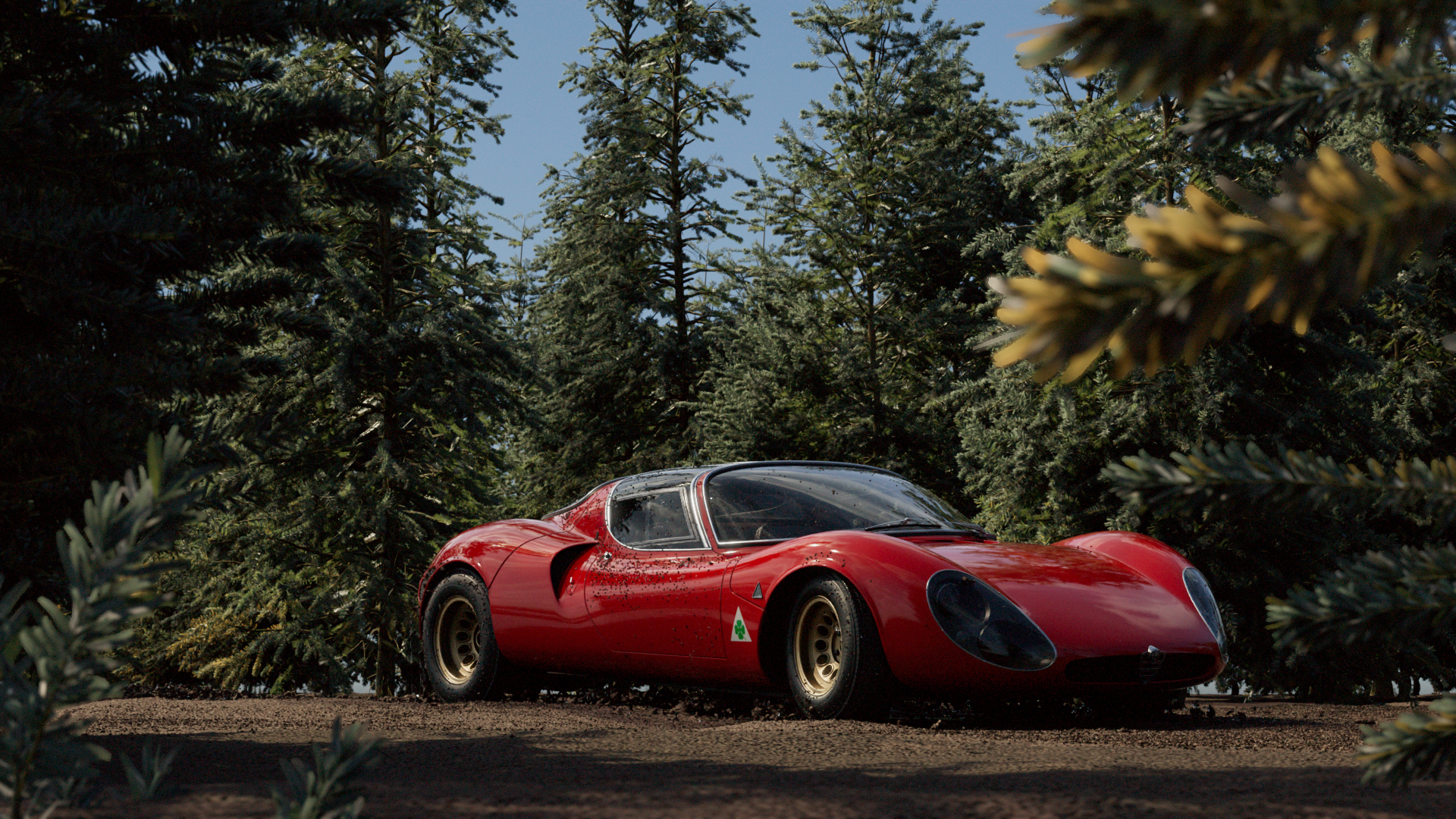
alfa romeo - car simulation
the brief
Using assets provided from WireWheelsClub, create a hyper-realistic car animation with realistic lighting in Houdini. This project was my introduction to Houdini. I learned how to import textures and models into Houdini, and worked with simulations to create a realistic final animation.
Models: Wire Wheels Club, Christian Huthmacher
Design, Animation, Compositing: Ananya Ravichandran
credits
final animation
the model
Turntables
Material and Lighting Variants
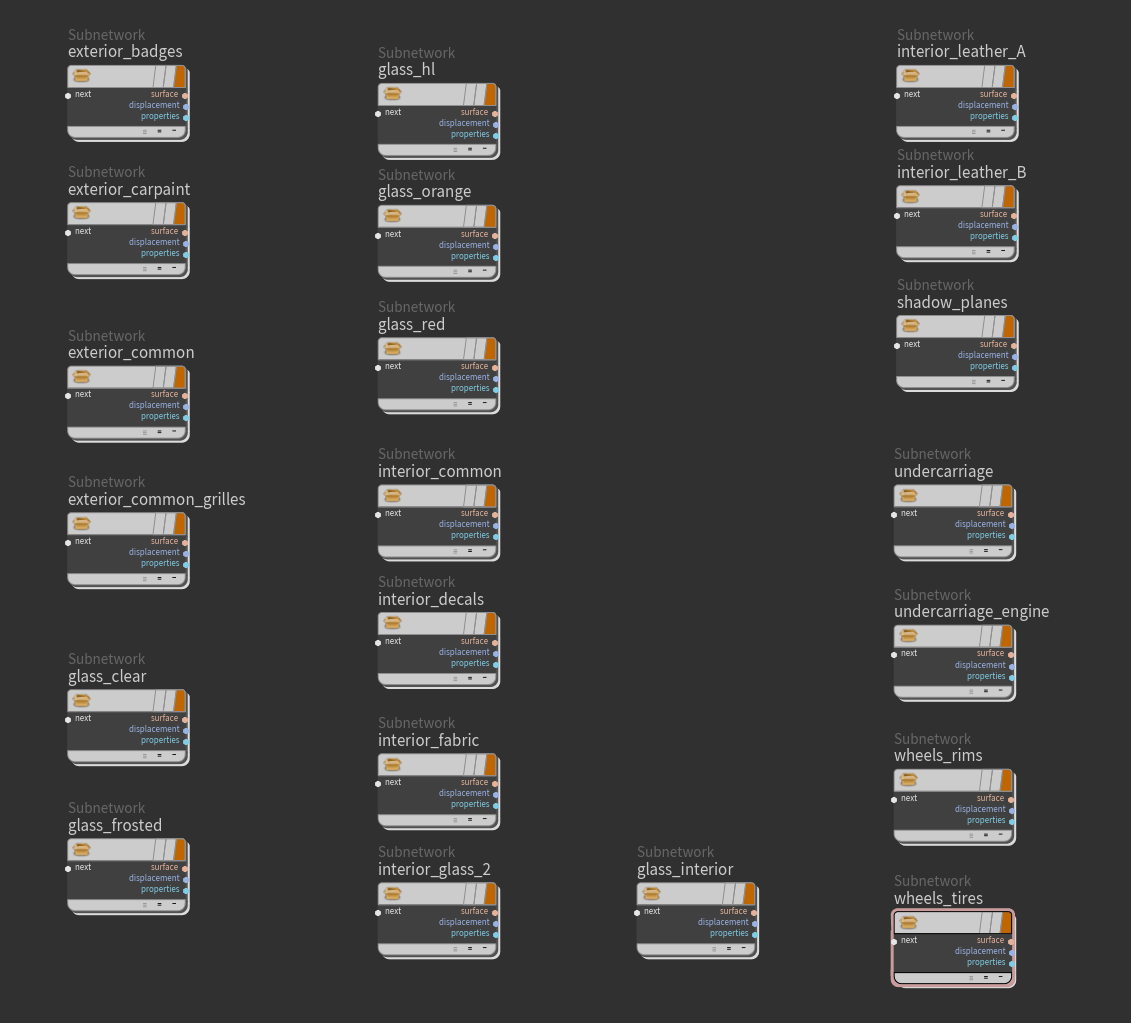
Through texturing the provided model from WireWheelsClub, I learned how to texture an object using a material library in Solaris. The car model that I bought had a few textures missing, meaning I also had to learn how to create my own textures and import those into my file.
simulations
the car
water, mud, and rocks
I learned how heavy simulations are and the importance of caching and organization. This project was my first time working in Houdini, so through setting up the simulations provided by Christian, I learned how each part of the simulation works and when caching is necessary.
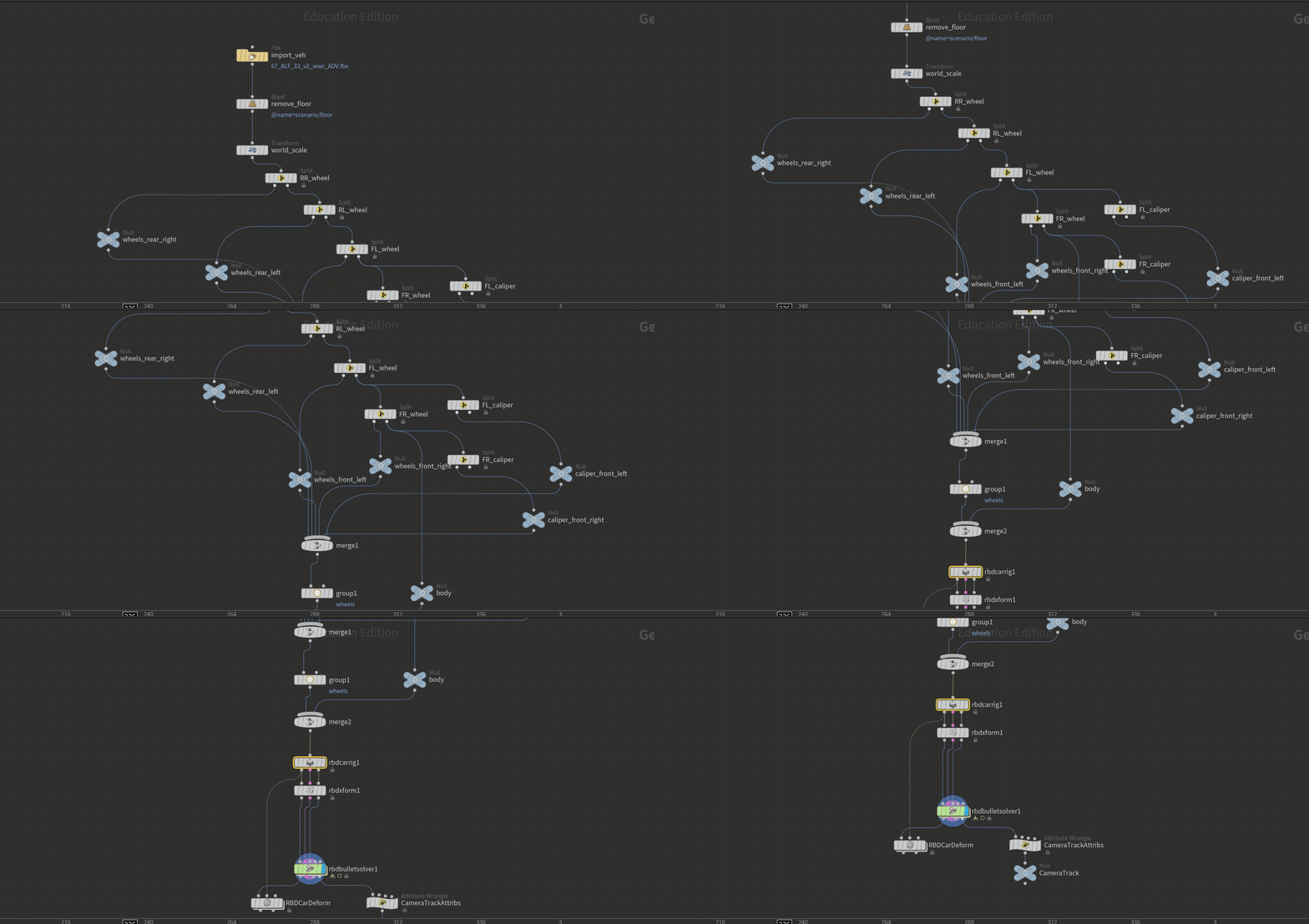
I used an RBD car rig to create the animation for our car. I used split nodes to separate the four wheels of the car so that the wheels could be rigged. I animated the car by keyframing the steering parameters. I learned the basics of using a car rig and how changing various parameters of the car, such as the bounce or the drive mode, impact the movement of the car.
designing the scene
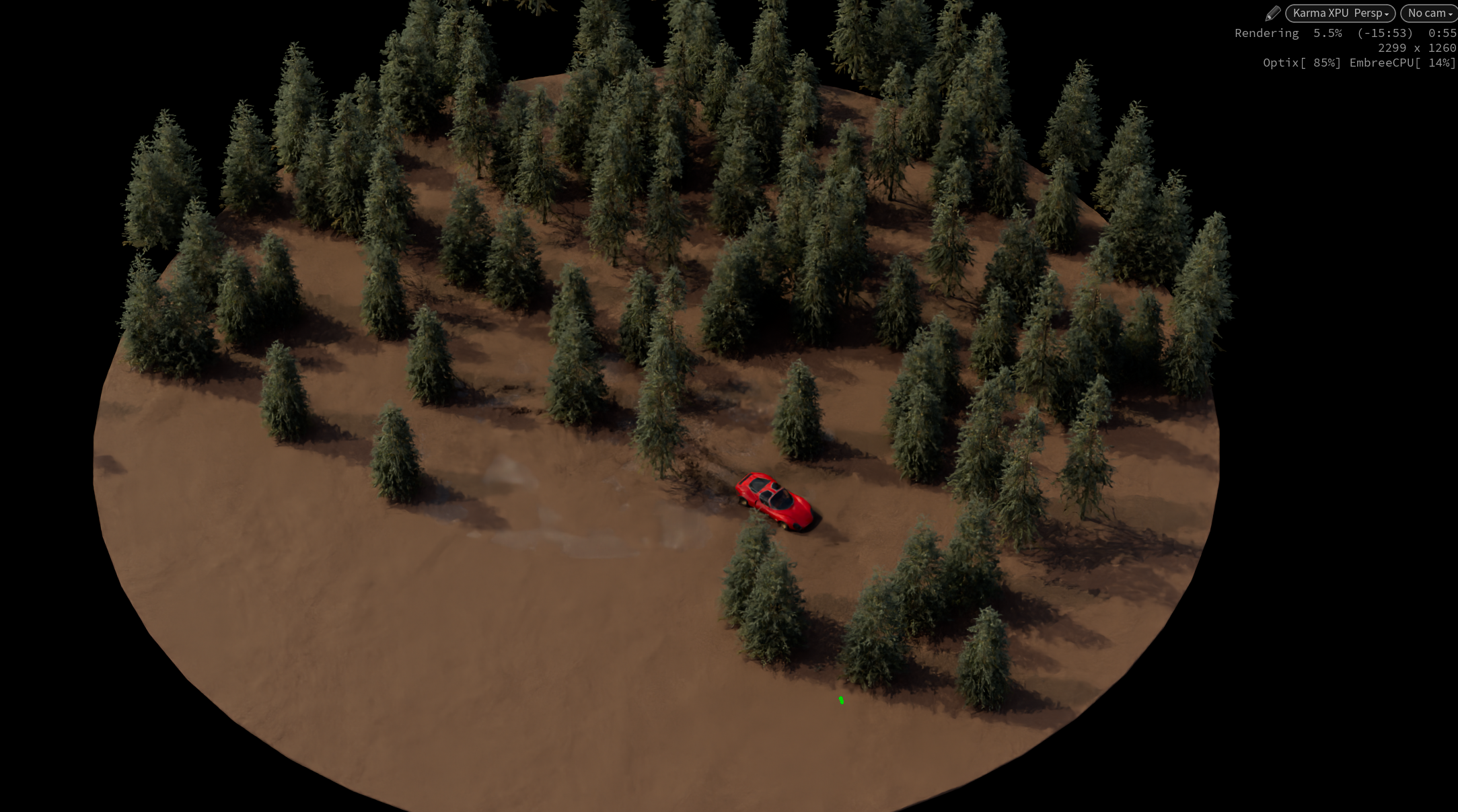
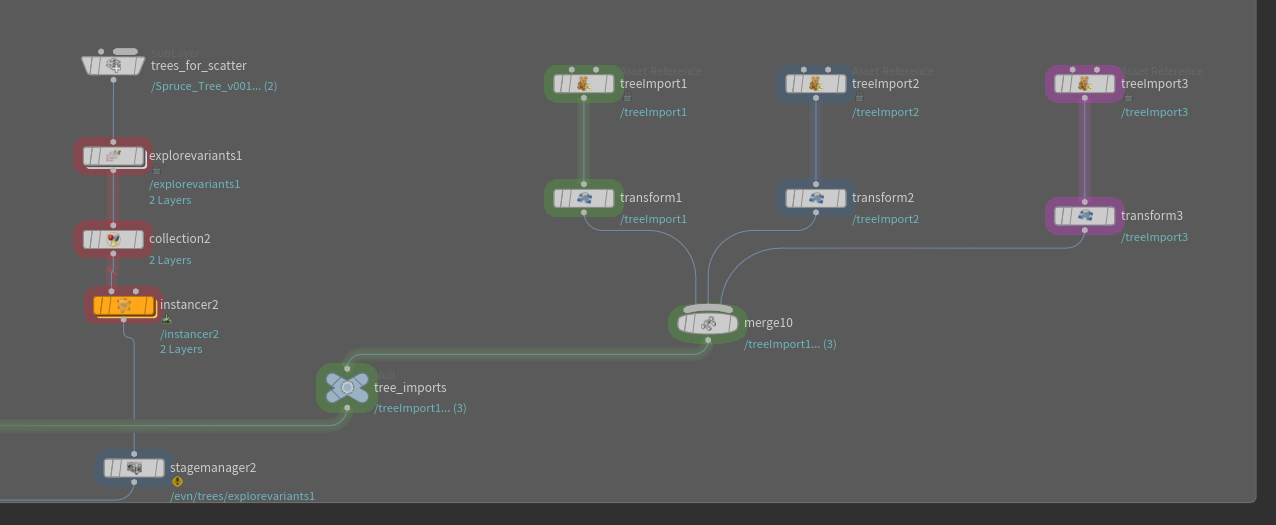
I wanted to have a few trees in the foreground framing the car. I initially was moving the points creating the trees in the object context, before realizing I could import a couple tree models as separate USD files and move those in the stage context, so that I could see exactly where they were in my final render. Only a few trees are seen by the camera, but having a plentiful amount of trees in the background helps sell the illusion that the car is in a dense forest. On the right are the points scattered for the tree, and the final look of the trees through the camera.
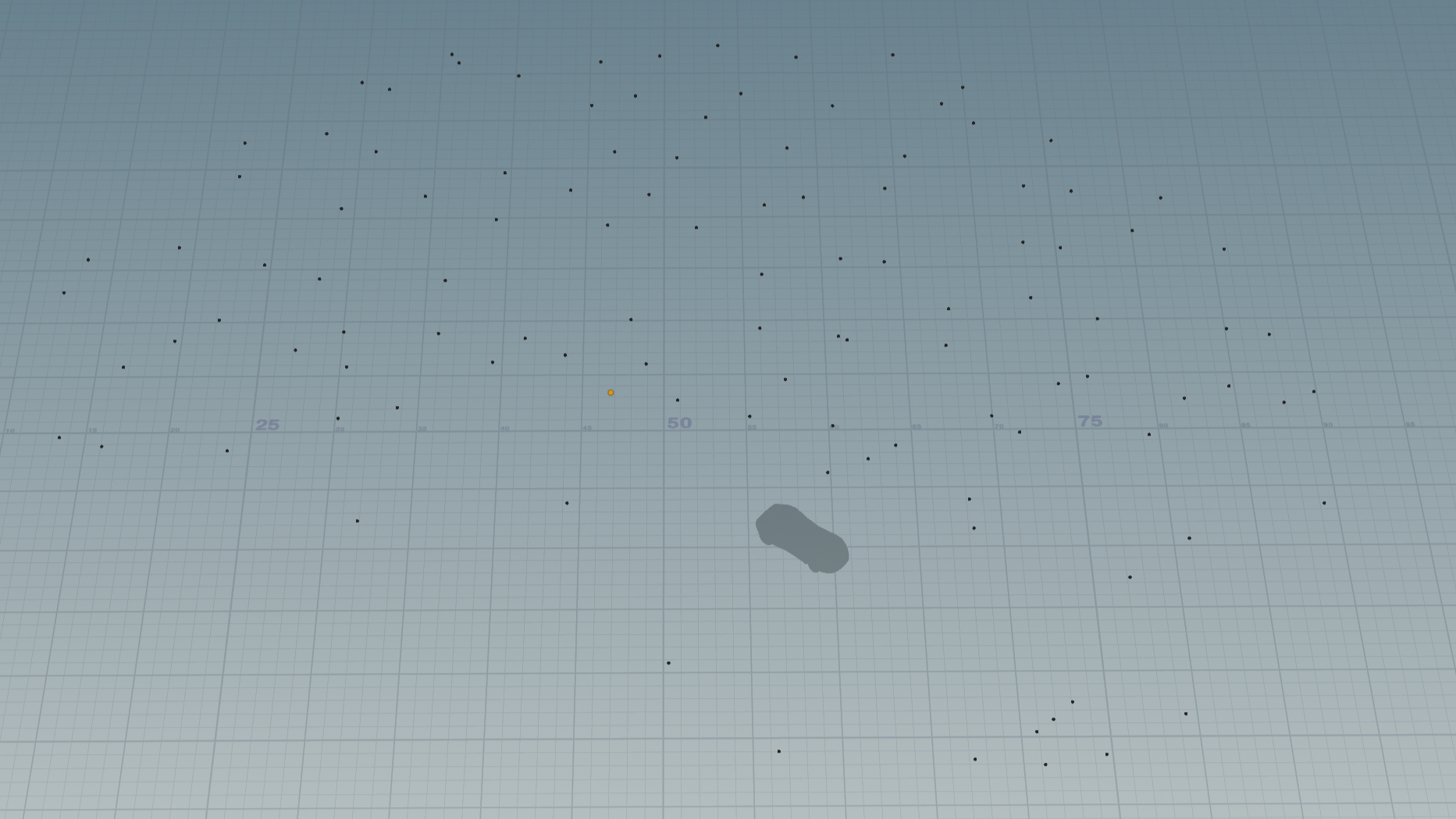
Points Scatter for Trees

Trees in Camera View
final touches
I used Nuke for the first time during this project to add depth of field, bloom, and minimal film grain. These final touches helped polish the piece and bring it to a professional level.
FINAL RENDER!
VFX BREAKDOWN